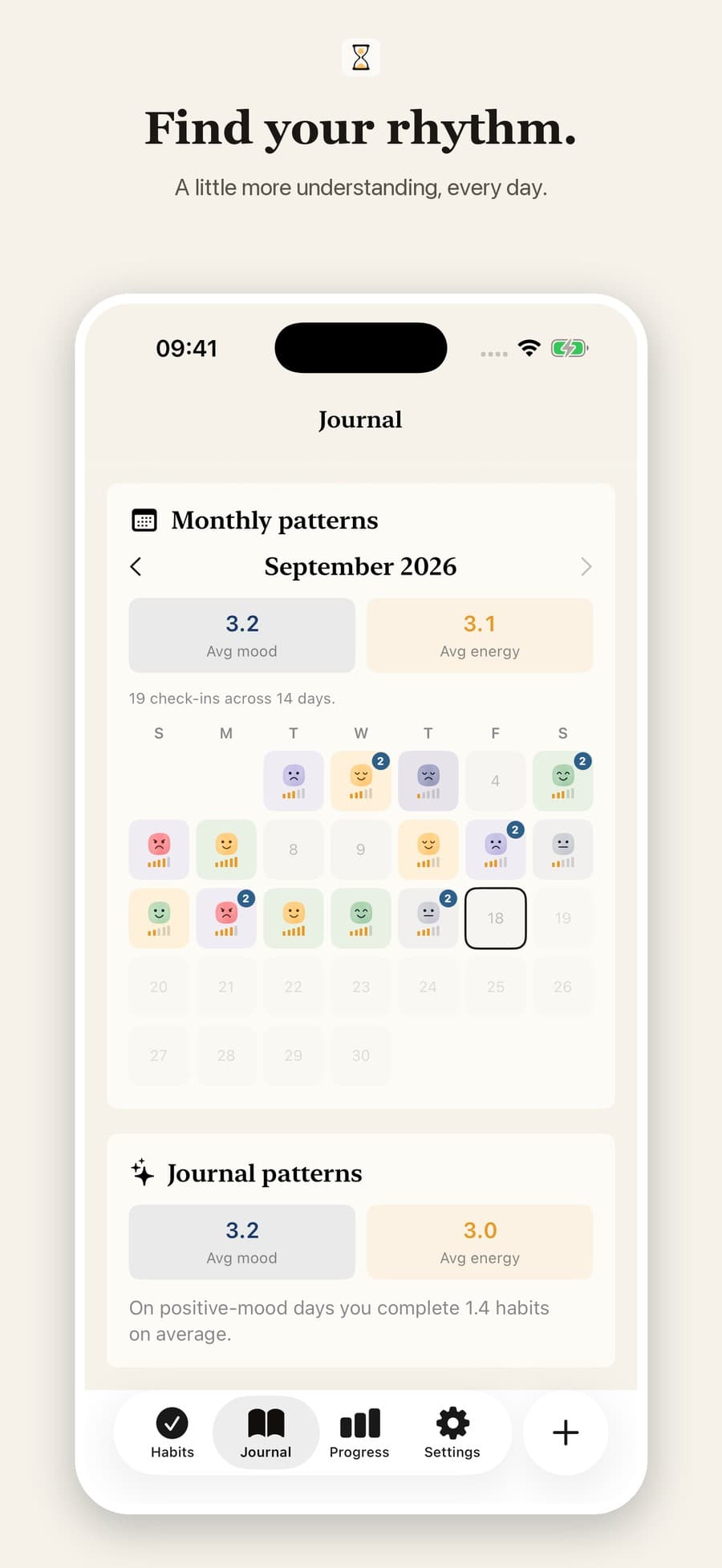
Small check-ins,
brighter days.
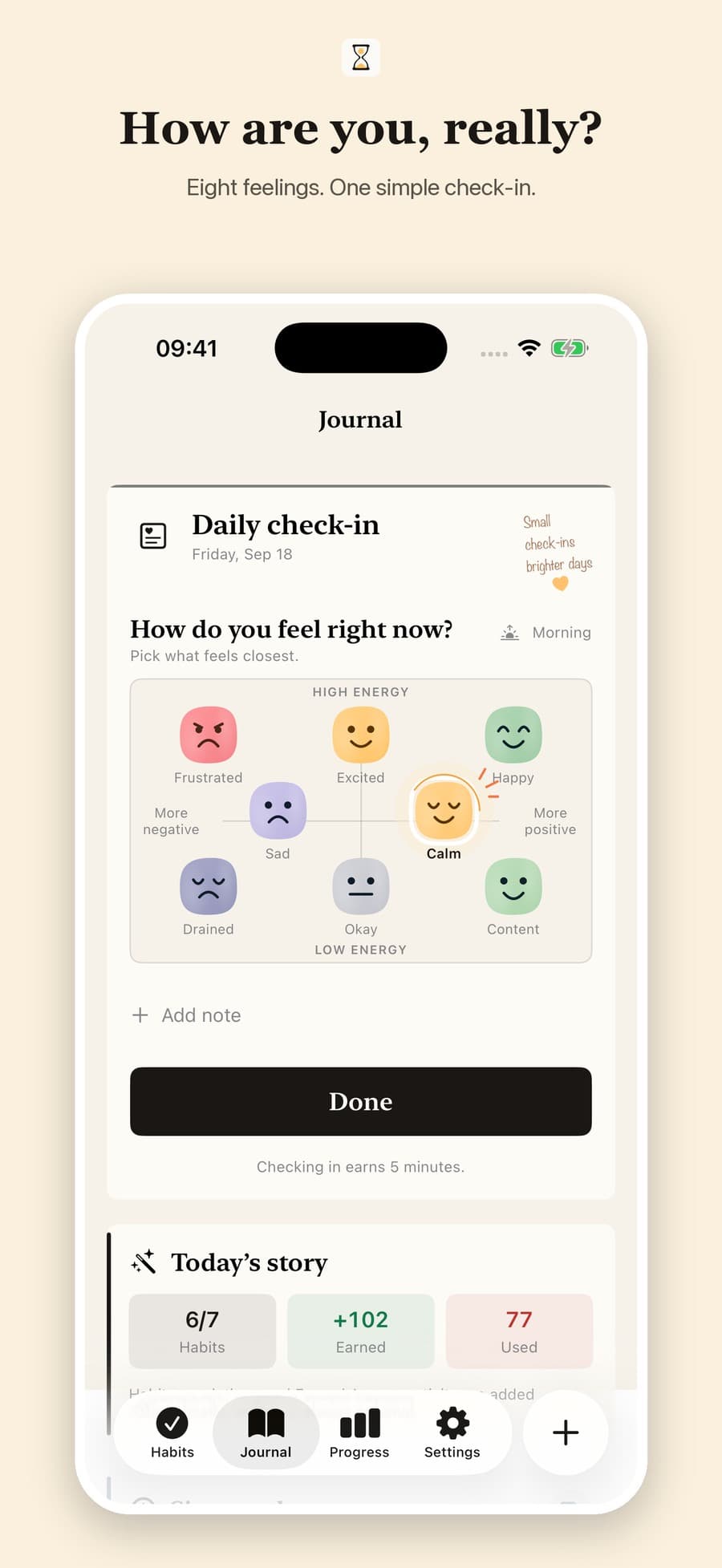
Choose one of eight feelings. Add a note if you want. Come back whenever your day changes.
Intentional screen time for iPhone
Moventria turns the things you want to do into guilt-free access to the apps that usually pull you away.
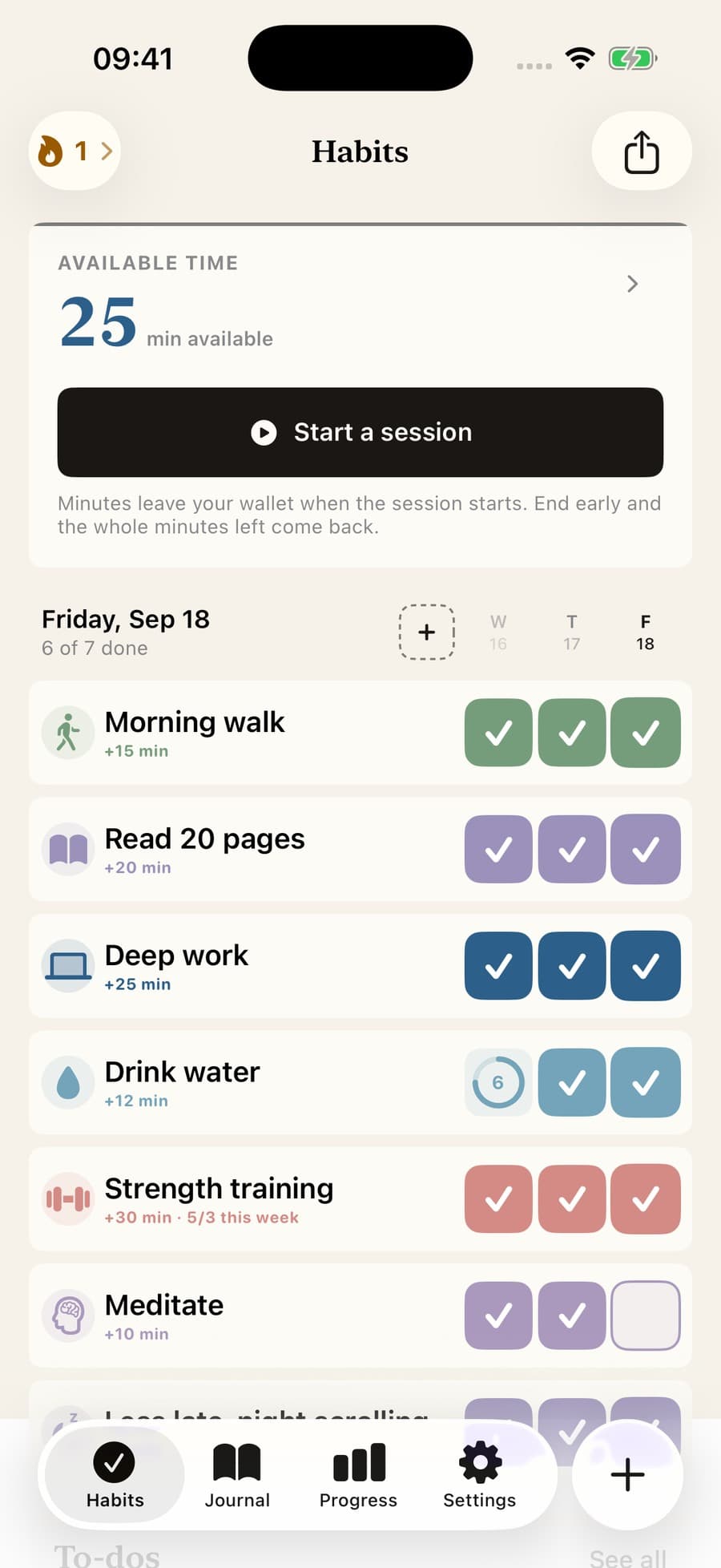
The daily loop
Traditional blockers only remove access. Moventria gives it back when you follow through on the life you meant to live.
Build a habit, plan a task, or make space from a habit you want to leave behind.
Complete your habits and tasks to add their minute rewards to your Available Time wallet.
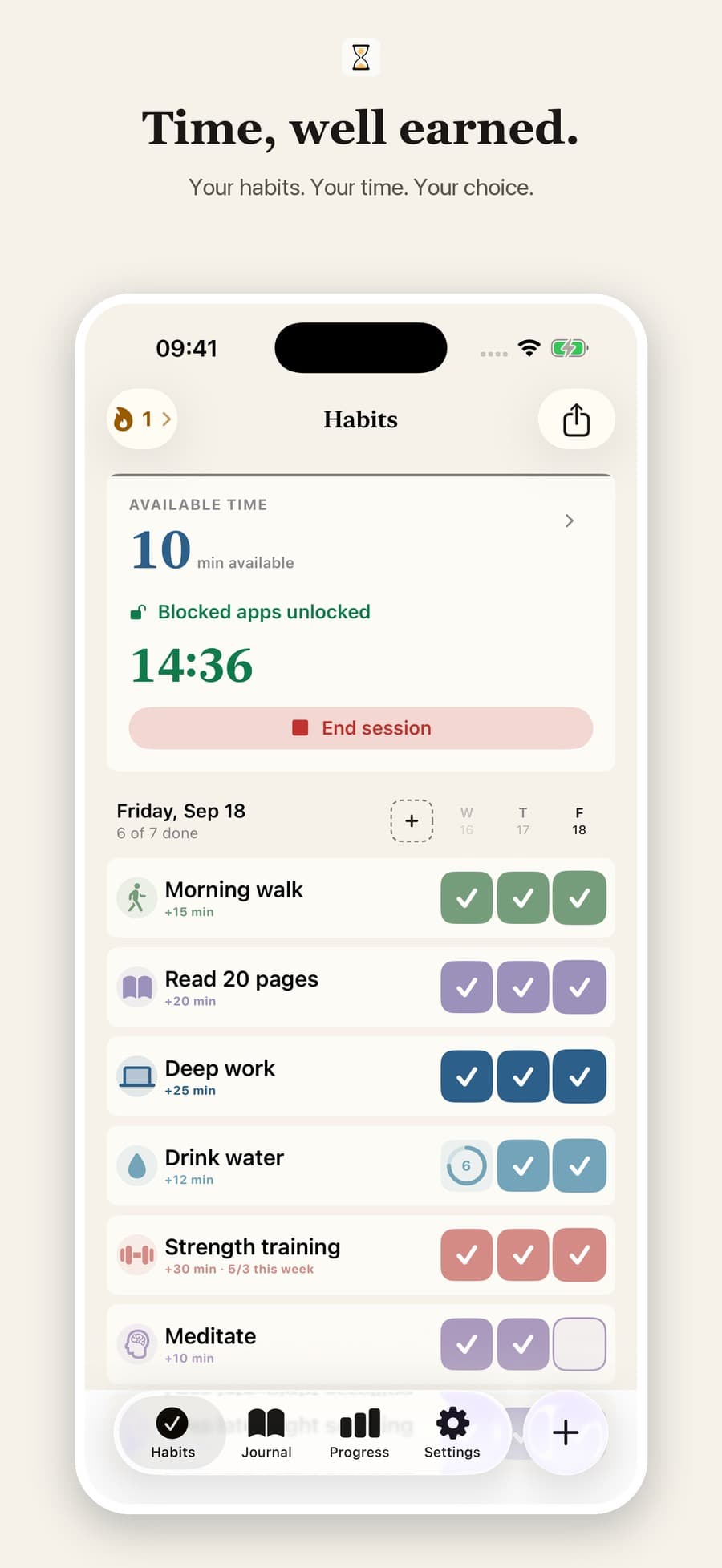
Start a session and unlock the distracting apps you selected with Apple Screen Time.
A closer look
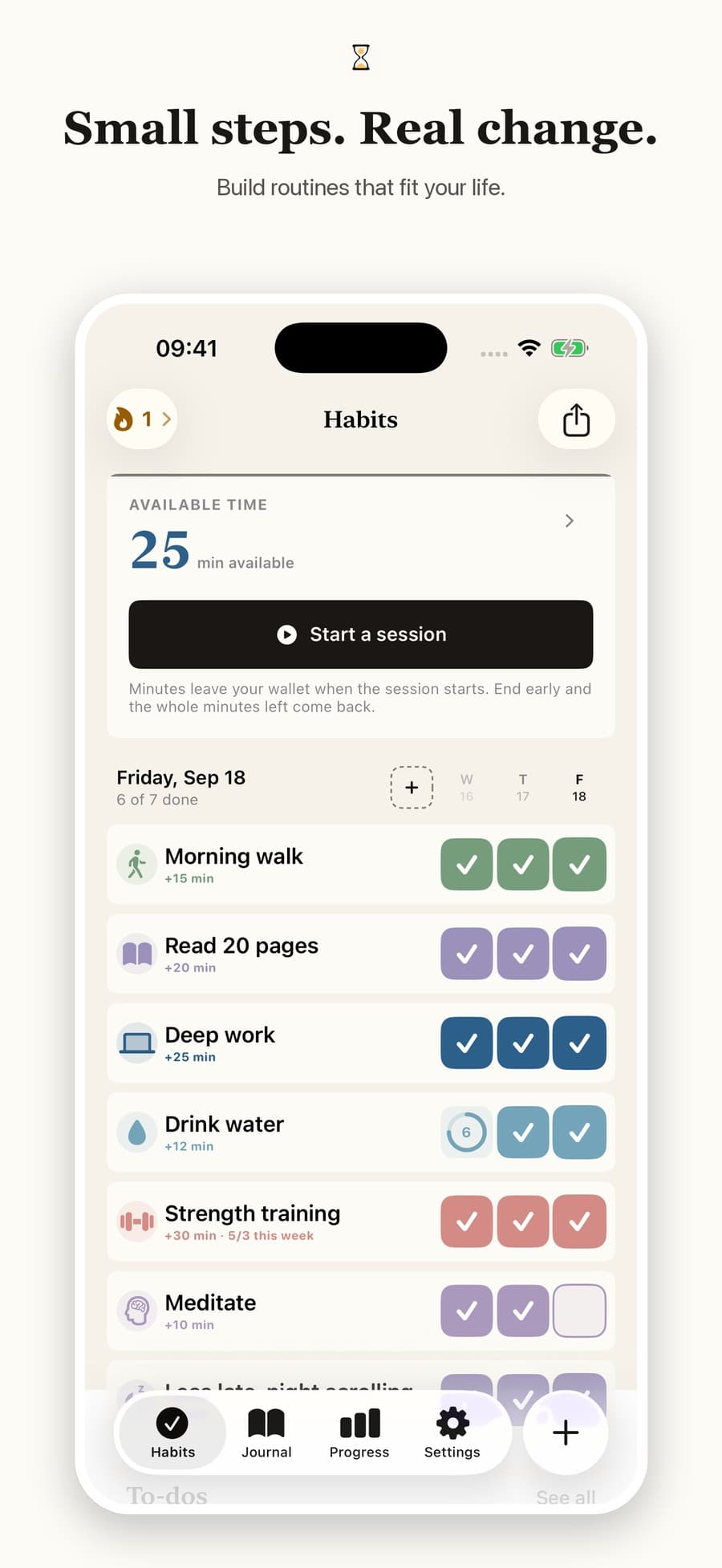
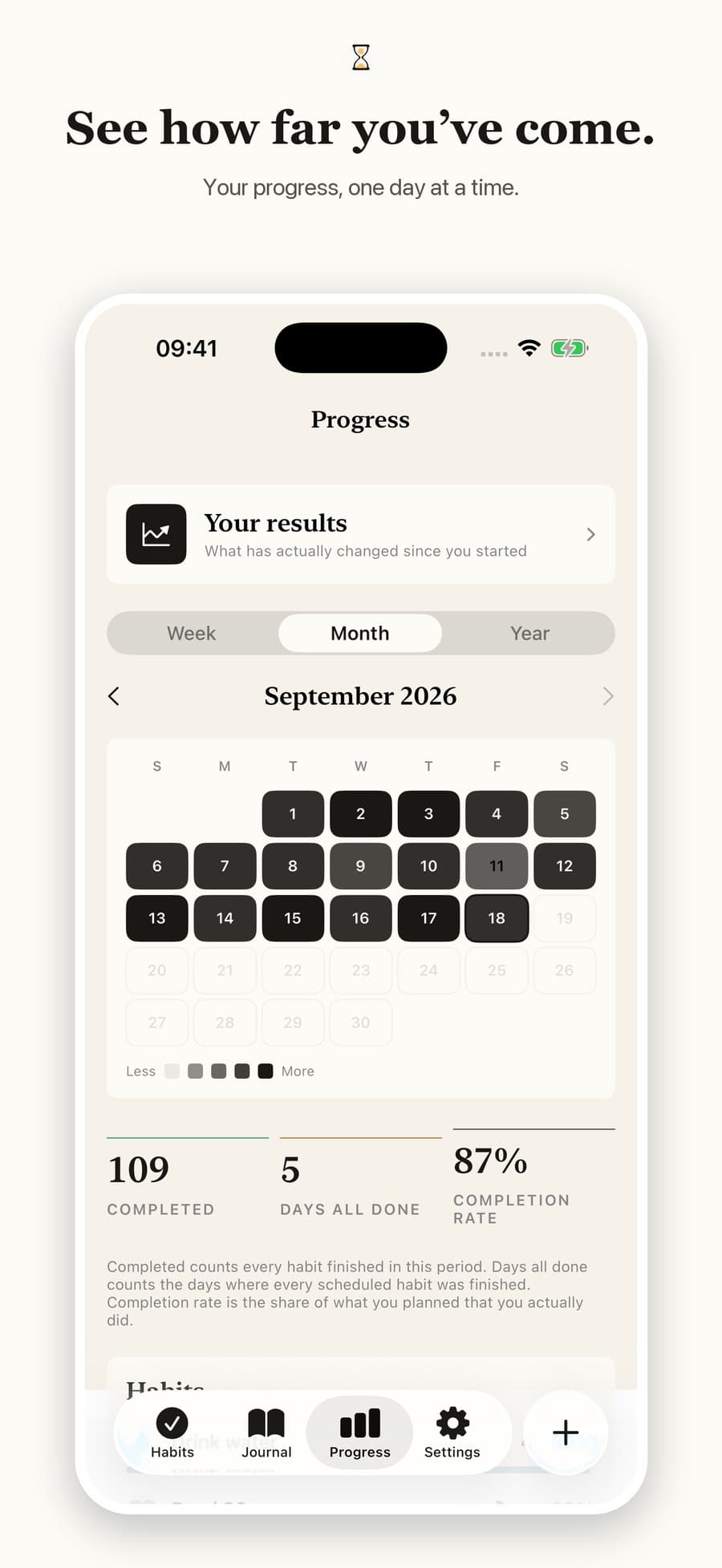
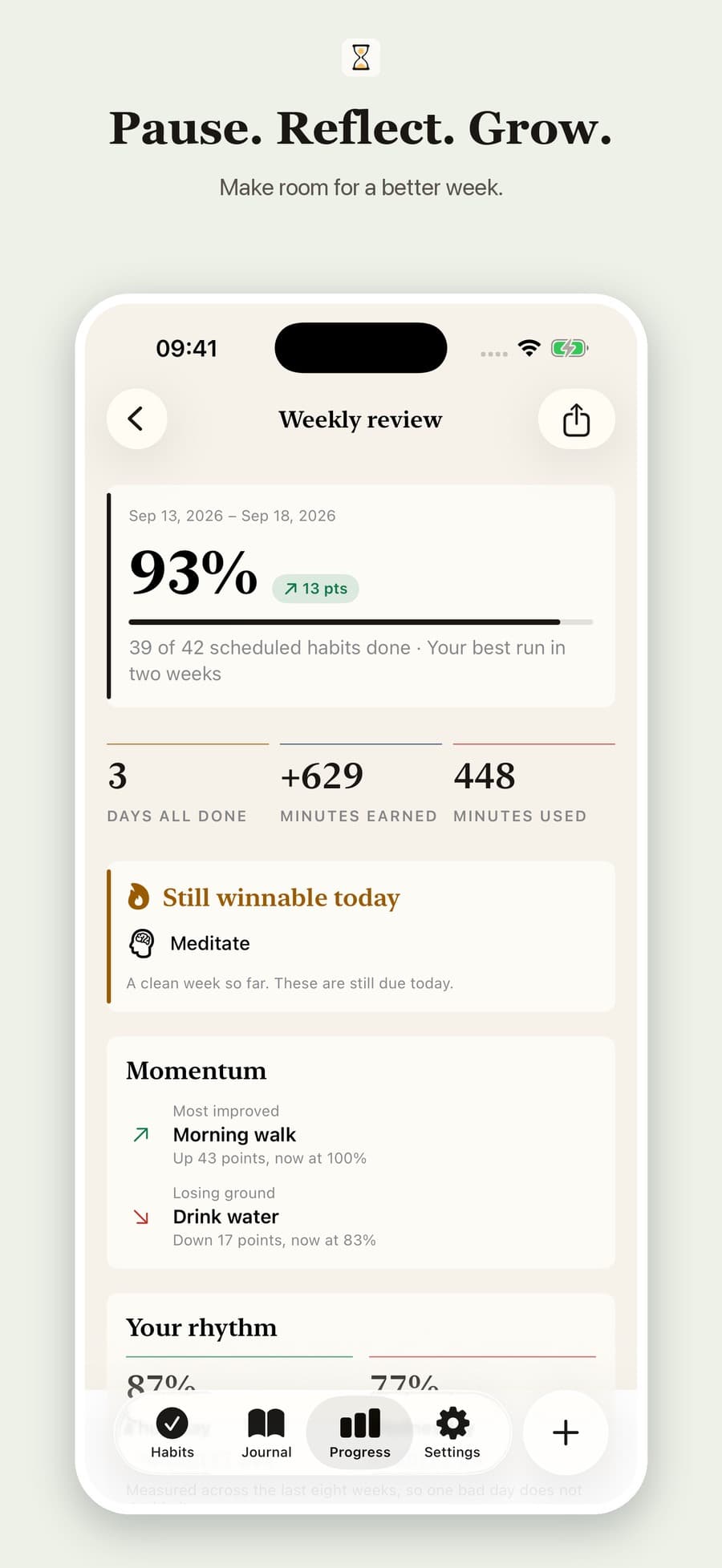
Habits, daily feelings, and earned time—together in one calm place.
Choose one of eight feelings. Add a note if you want. Come back whenever your day changes.
Build routines, track the habits you’re leaving behind, and keep one-off or recurring tasks close at hand.
Explore monthly patterns and check in from your Home Screen with the same familiar faces, in small, medium, or large widgets.
Simple plans
Prices appear in your local currency on the App Store purchase sheet.
For eligible new subscribers. Renews monthly unless cancelled in your Apple Account.
A one-time purchase for people who know Moventria belongs in their routine.
Private by design
There is no Moventria account, advertising profile, or third-party product analytics. Habit and journal data is local first; private iCloud sync can keep it available across your Apple devices. RevenueCat processes limited purchase and entitlement information so paid access can be delivered and restored.
Read the full Privacy PolicyGood to know
No. Apple’s Screen Time frameworks let Moventria shield the apps or categories you choose without giving it your messages, browsing content, passwords, photos, or in-app activity.
Moventria keeps your data locally on your iPhone. When private iCloud sync is available for your plan and device, it can also sync through your own private CloudKit database so your Apple devices stay in step.
The selected number of minutes leaves your wallet and your protected apps unlock. If you end early, the whole unused minutes are returned. A one-minute emergency option remains available when needed.
Eligible customers can start the Monthly plan with a 7-day free trial. The Lifetime plan is a one-time purchase and does not include a trial. Your App Store purchase sheet always shows the final local price and eligibility.
Yes. Moventria can export a readable JSON backup and import it later. You choose whether journal entries are included, and a failed import rolls back without replacing your existing data.

A more intentional day starts here
Available now for iPhone. Build habits, earn time, and use your phone on purpose.
Download on the App Store